
Light and fast data analysis & model simulation
Create charts and simulate block diagram models with a user-friendly interface and a highly performant Python® 3 module.
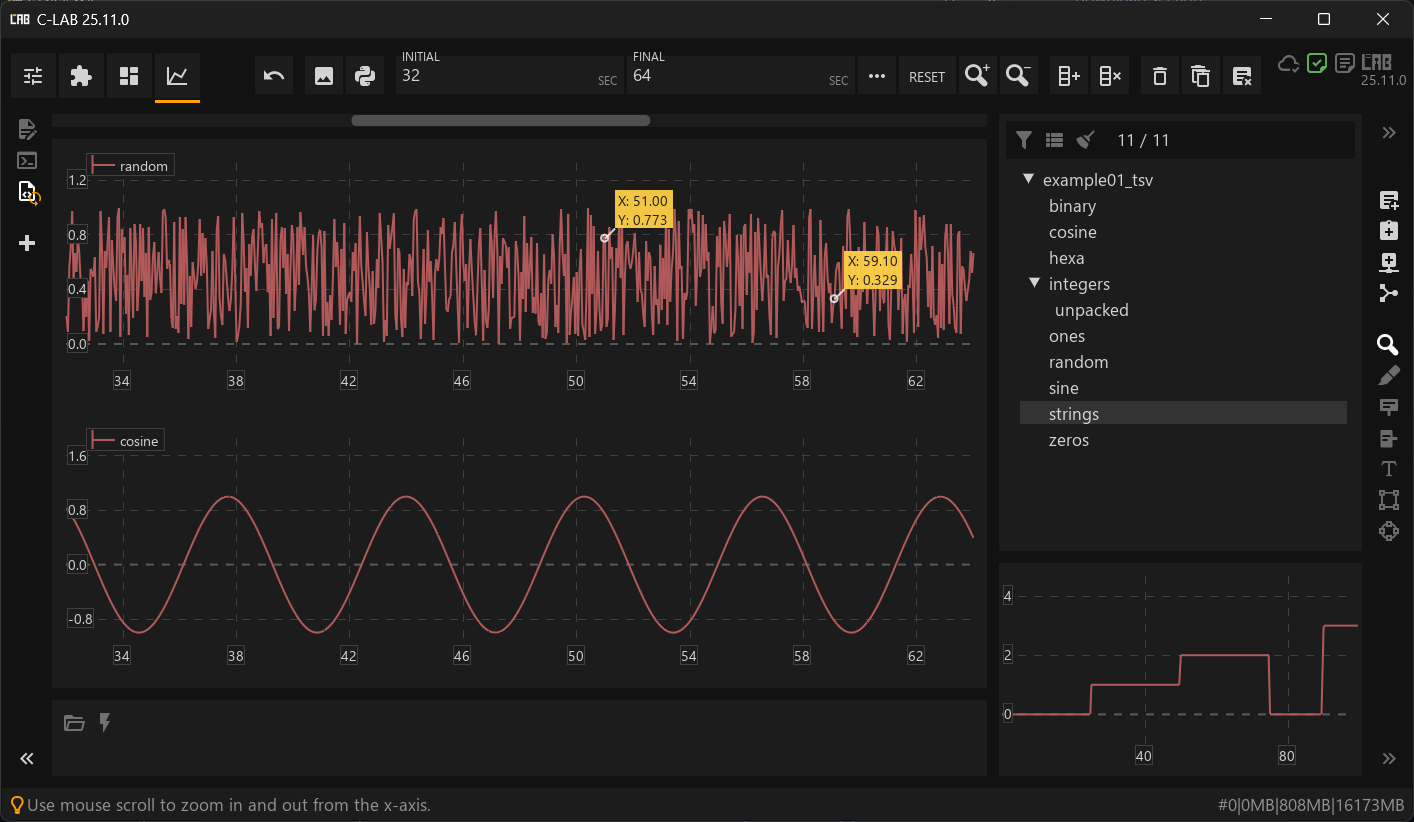
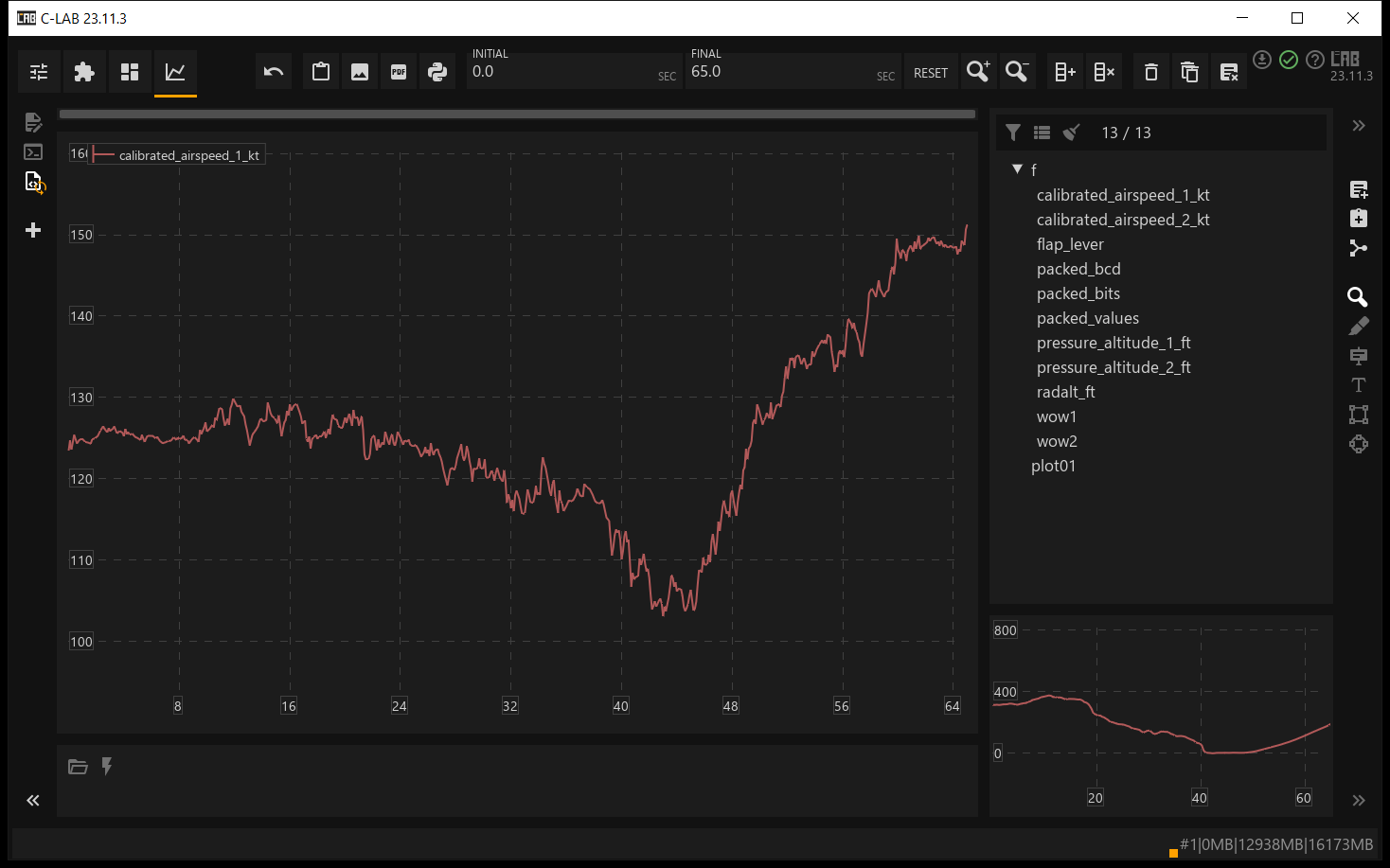
Plot data
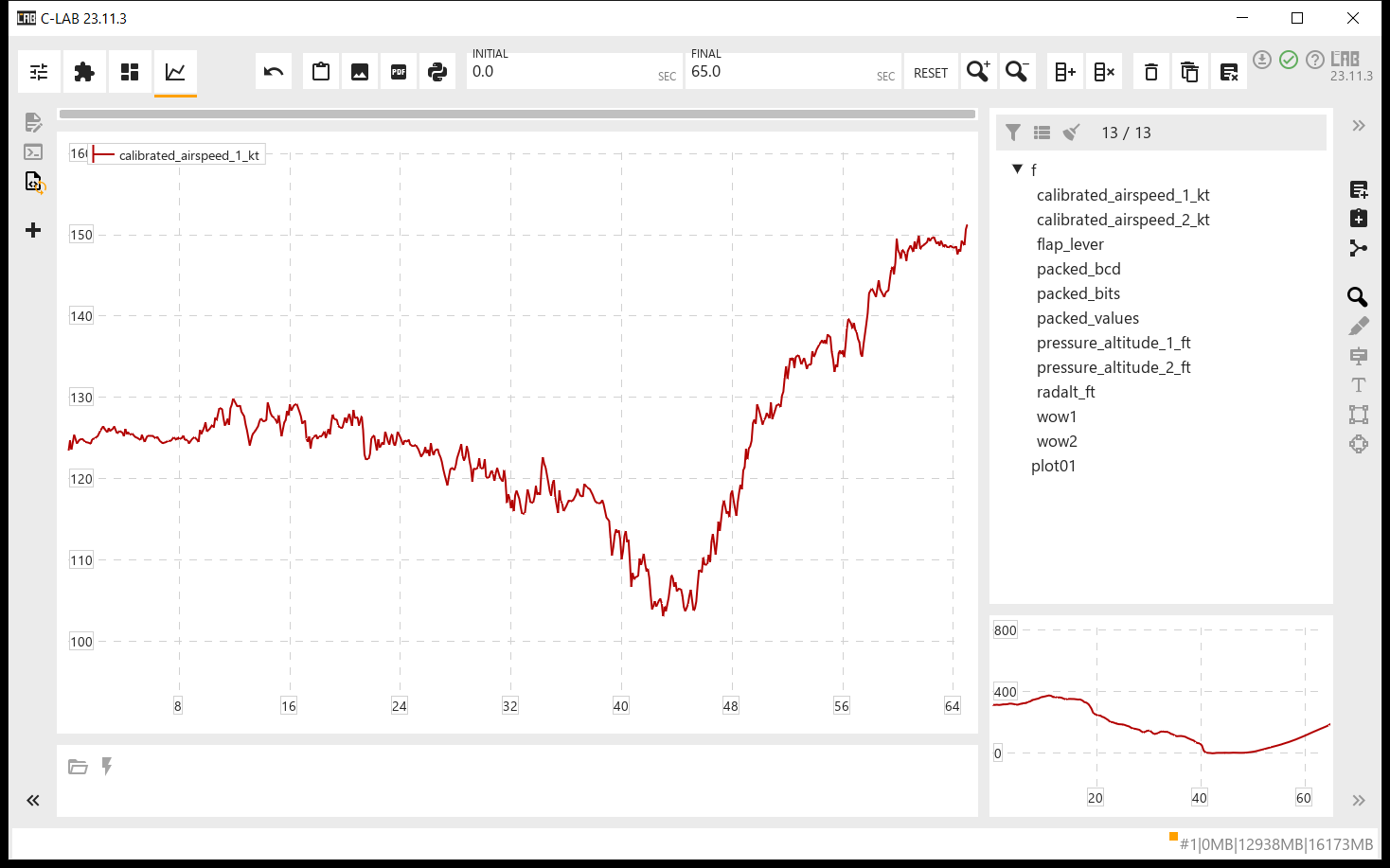
Open files and create charts with a double-click or drag and drop. Just a few mouse clicks.
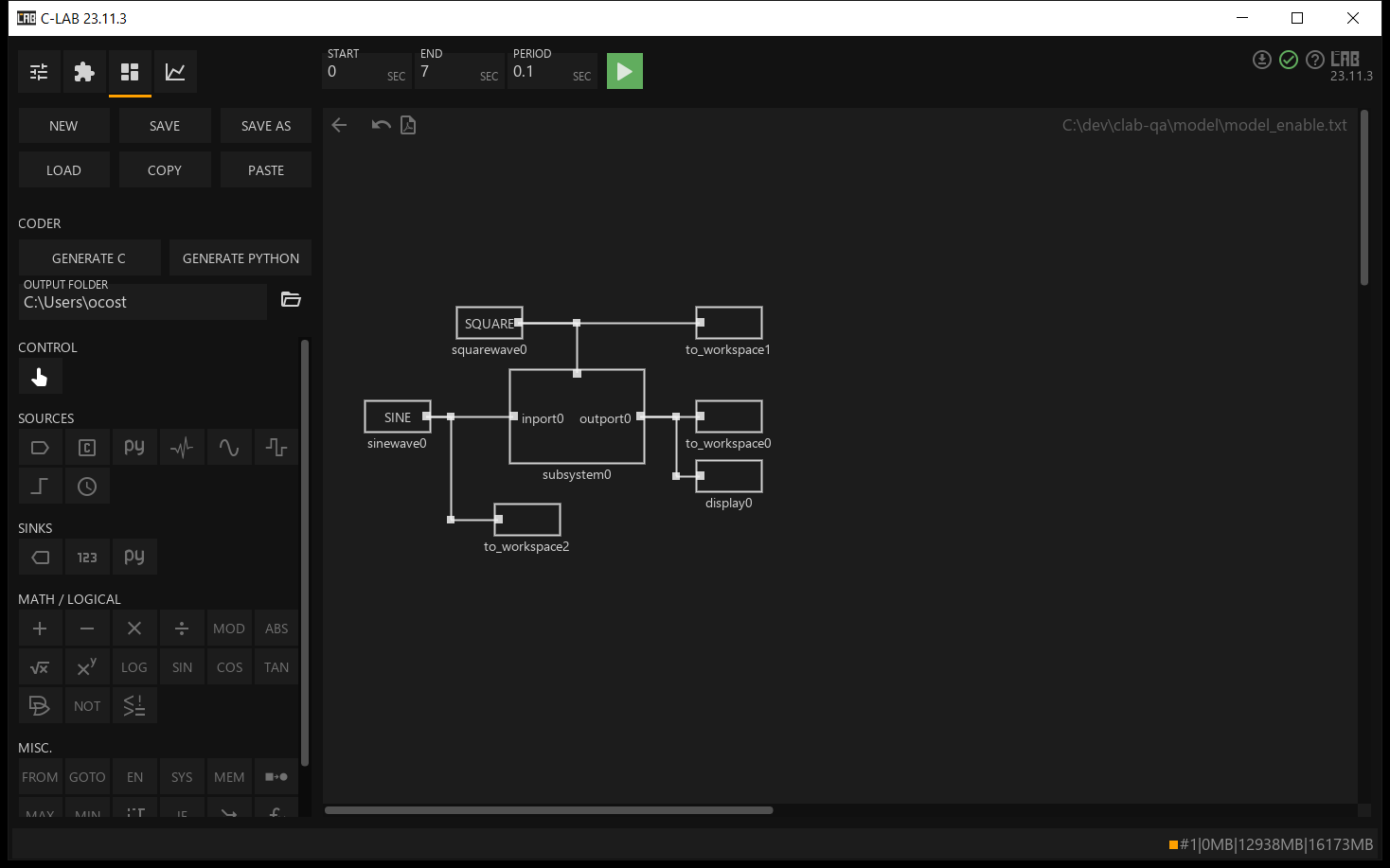
Simulate models
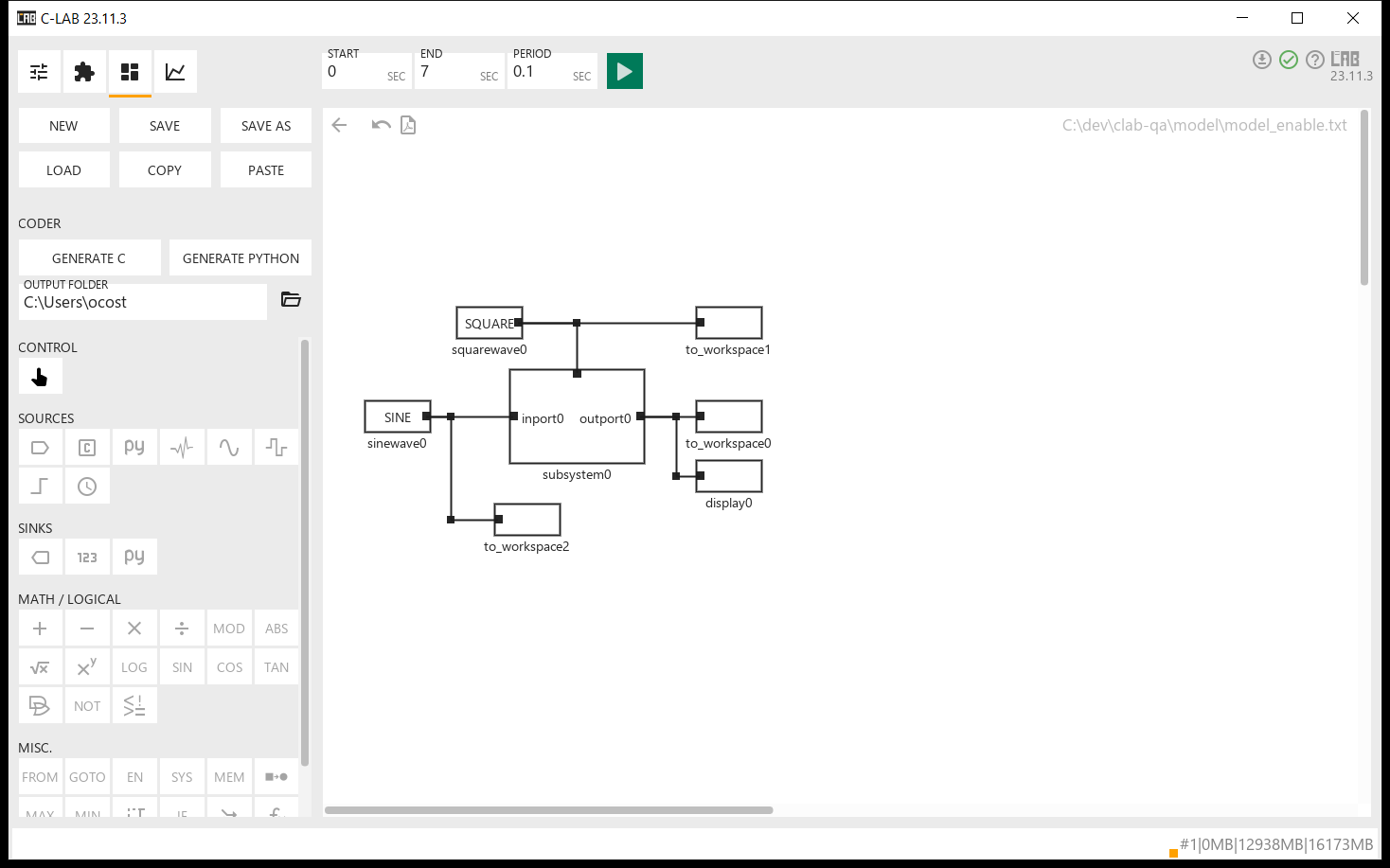
Build discrete-time block diagram models with 40+ types of blocks, analyse the results like any other data, and export models as Python or standard C code.
Automate with Python® 3
Use C-LAB's Python® 3 module like any other module to script and automate your analysis.
Load any format
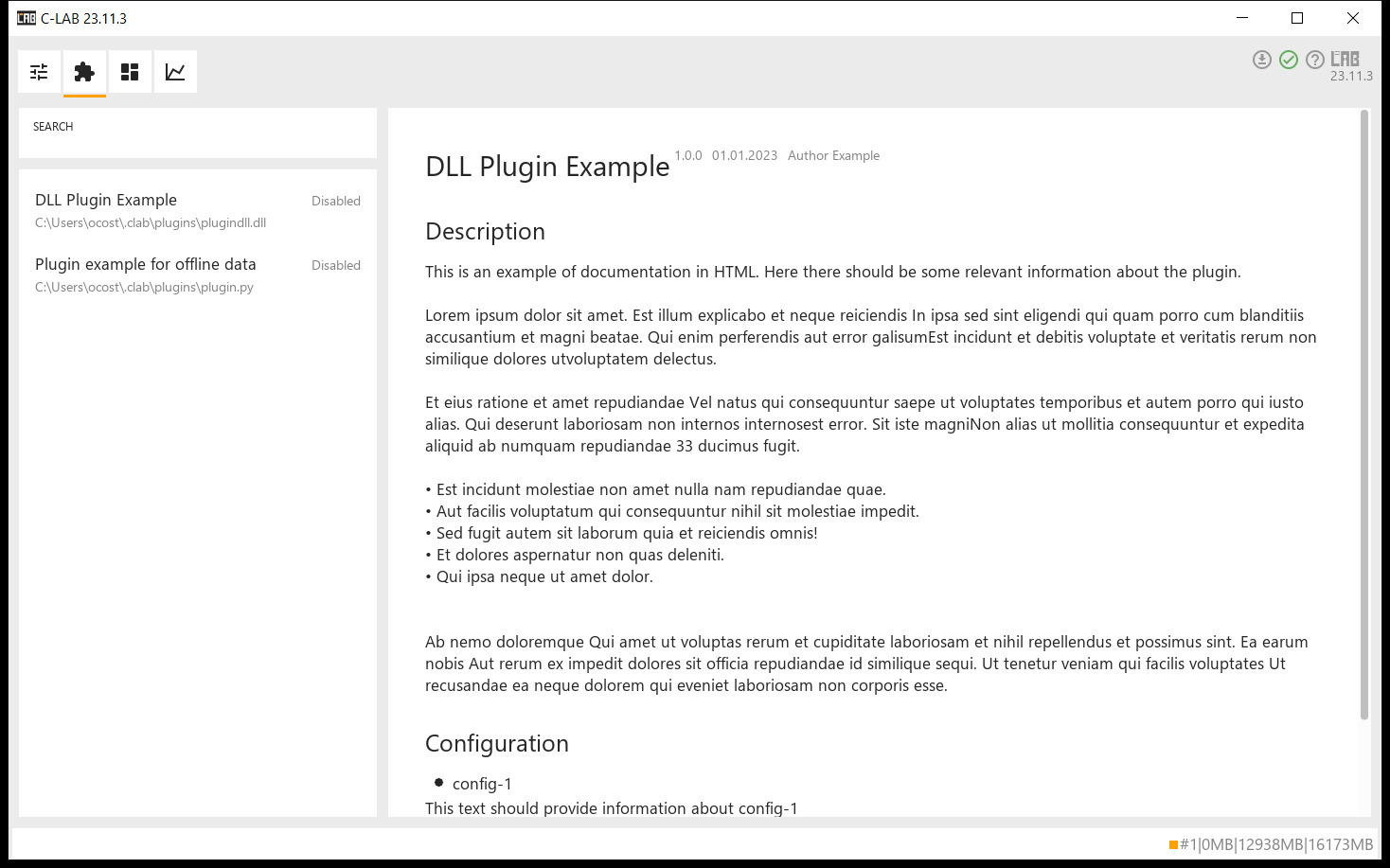
Use the built-in loaders or write your own plugins to load any type of data.
News & Releases
Latest news and release notes.
Note that C-LAB uses a Year.Month.Patch version format. We release smaller, frequent updates throughout the year to deliver new features and bug fixes faster.
Licensing & Pricing
C-LAB is offered under a subscription-based license, providing continuous access to updates, improvements, and technical support during the license period.
A 30-day free trial is included and is automatically activated upon first use.
- Access to all released versions during the license period
- Feature updates and bug fixes
- License valid for 12 months from the date it is issued
For volume licensing, academic use, or custom agreements, please contact us at info@c-lab.tech for a formal quote.
Installer
Download the installer and run it. Administrator privileges are not required to
install the software.
However, it might be necessary to install the latest
Microsoft Visual C++ Redistributable.
Minimum requirements
- OS
- Windows 10 or newer
- Disk
- About 200 MB of disk space
- Memory
- 2 GB of RAM
- Graphics
- OpenGL 3.3 or higher
- Runtime
- Latest Microsoft Visual C++ 2022 Redistributable
Module Documentation
Read the C-LAB Python module reference online or download it as a PDF.
Media
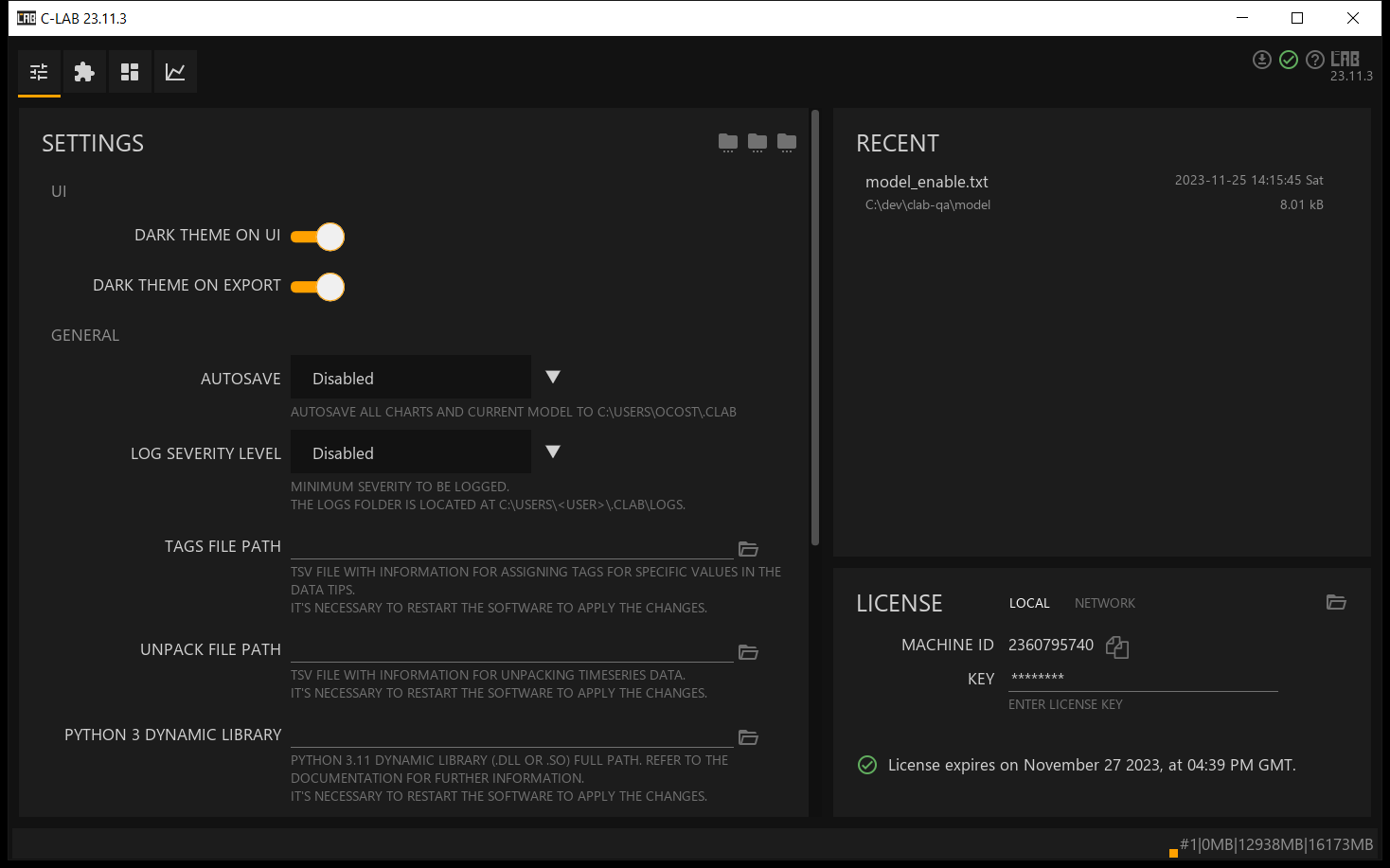
Screenshots
Dark theme

Light theme

Tutorials
Short videos showcasing the main features of C-LAB.